The era of viewing browser games as mere low-resolution time-killers has long passed. Today’s HTML5 and WebGL-powered titles deliver robust, complex, and visually stunning experiences that rival dedicated client-based software. However, running these demanding applications inside a web browser introduces unique performance bottlenecks. While modern engines are heavily optimized out of the box, ensuring you get the highest frame rates, minimal input lag, and the smoothest graphical rendering requires a proactive approach to browser optimization.
The Foundation: Hardware Acceleration and GPU Offloading
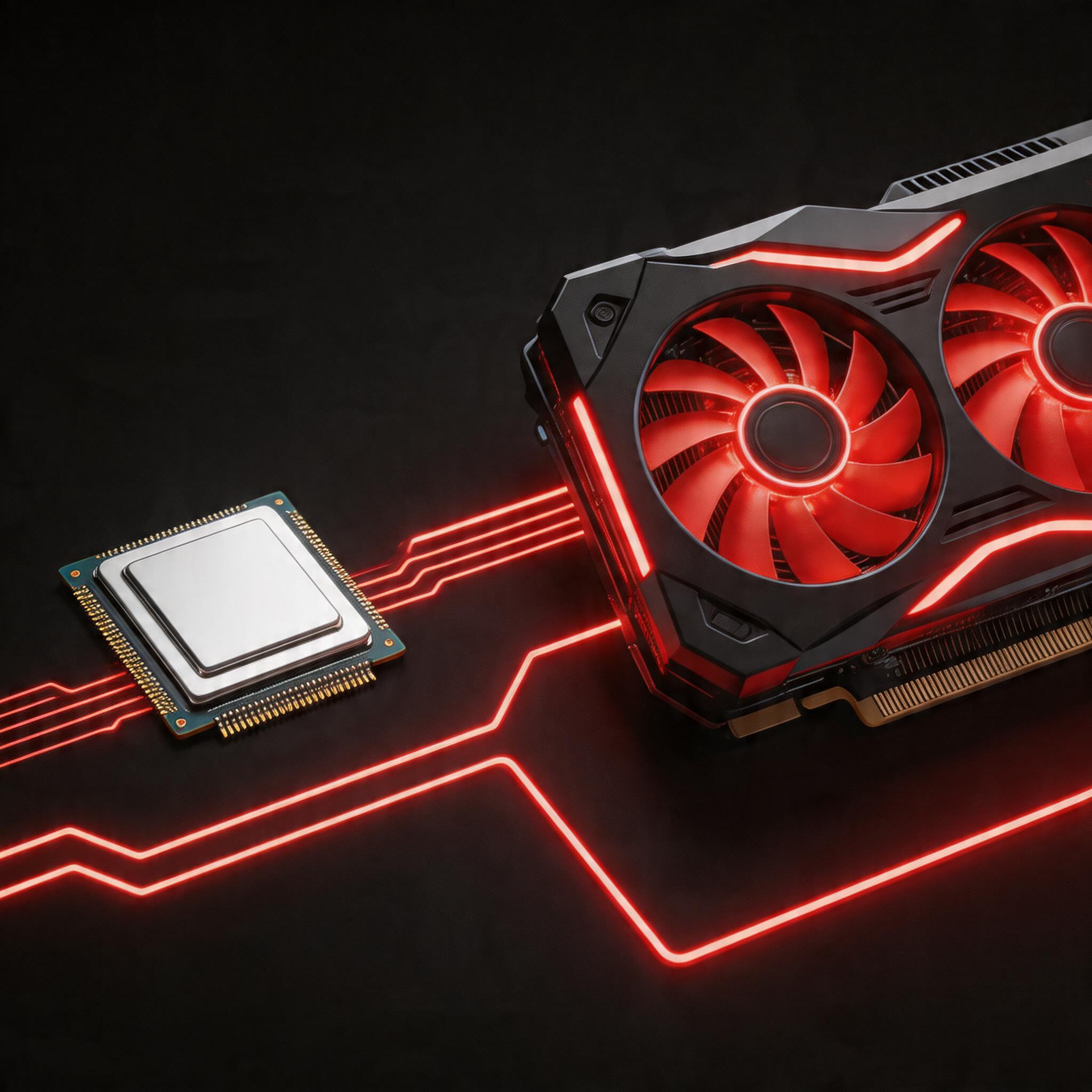
The single most critical setting for any browser-based gamer is Hardware Acceleration. By default, many browsers attempt to balance power consumption and performance, sometimes relying too heavily on the Central Processing Unit (CPU) for rendering web pages. When it comes to complex 2D physics or rich 3D WebGL environments, the CPU simply cannot keep up with the parallel processing power of a dedicated Graphics Processing Unit (GPU).
Enabling Hardware Acceleration forces your browser to hand off heavy graphical workloads to the GPU. In Google Chrome or Microsoft Edge, this can be found in the system settings. Toggling this feature on can mean the difference between a choppy 15 Frames Per Second (FPS) and a buttery smooth 60 FPS or higher. Furthermore, ensuring your dedicated GPU drivers (NVIDIA, AMD, or Intel) are up to date ensures that the browser can communicate efficiently with your hardware, utilizing the latest API optimizations for WebGL and the upcoming WebGPU standards.
Browser Selection: Which Engine Rules Them All?
Not all web browsers are created equal when it comes to gaming performance. The underlying rendering engine plays a massive role in how efficiently a game executes its code. Chromium-based browsers, such as Google Chrome, Microsoft Edge, Opera GX, and Brave, dominate the landscape due to the V8 JavaScript engine's unparalleled execution speed.
Opera GX, in particular, has carved out a niche specifically for gamers. It offers built-in CPU, RAM, and Network limiters, ensuring that background tabs do not monopolize your system resources while you are in the middle of a crucial match. Mozilla Firefox, utilizing its Quantum engine, also offers excellent performance and superior privacy controls, though some experimental WebGL features occasionally receive delayed support compared to Chromium counterparts. Testing your favorite games across different browsers can yield surprising variations in input latency and frame pacing.
Taming the Resource Hogs: Tab and Extension Management
Browsers are notorious memory hogs, primarily due to their multi-process architecture where every tab and extension runs as an independent process. If you are preparing for a serious gaming session, treating your browser like a dedicated gaming console is essential. This means closing unnecessary tabs. Modern browsers have introduced features like "Memory Saver" or "Sleeping Tabs" that freeze inactive pages, but completely closing them frees up Active RAM, which is crucial for asset-heavy games.
Extensions are another silent performance killer. Ad blockers, grammar checkers, and coupon finders constantly inject JavaScript into the pages you visit, competing for CPU cycles with your game. For the optimal experience, consider creating a dedicated "Gaming Profile" within your browser—a clean slate with zero active extensions, default theme settings, and cleared cache. This isolates your gaming environment from your daily browsing clutter, eliminating background interference.
Diving Deep: Experimental Flags and Advanced Settings
For the power user, the standard settings menu is just the surface. Browsers like Chrome and Edge offer hidden experimental features accessible via chrome://flags or edge://flags. These settings allow you to force-enable cutting-edge rendering technologies before they hit the mainstream.
One highly recommended tweak is overriding the software rendering list. Sometimes, browsers black-list older GPUs from using hardware acceleration to prevent crashes. If you know your system is stable, enabling the "Override software rendering list" flag forces GPU acceleration regardless of the blacklist. Additionally, tweaking rasterization settings—such as enabling "Zero-copy rasterization"—allows the GPU to write directly to device memory, significantly reducing the overhead and improving texture loading times in massive multiplayer online browser games.
Network Optimization for Minimal Latency
A high frame rate is useless if your network latency (ping) causes rubber-banding or missed inputs. Browser games rely heavily on WebSockets and WebRTC for real-time multiplayer communication. Unlike traditional games, browsers share network bandwidth with background downloads, streaming services, and automatic updates.
To optimize your network for browser gaming, prioritize a wired Ethernet connection over Wi-Fi. Browser-based packet handling is already slightly less efficient than a native executable, so eliminating wireless interference is crucial. Furthermore, clearing your browser cache and DNS cache regularly prevents routing errors and ensures you are connecting to the most optimal game server nodes. In some edge cases, utilizing a gaming-focused VPN can bypass ISP throttling and provide a more direct routing path to the game's servers, shaving off precious milliseconds of latency.
The Future: WebAssembly and WebGPU
Looking ahead, the landscape of browser gaming performance is on the brink of a revolution. WebAssembly (Wasm) is already allowing developers to compile high-performance languages like C++ and Rust to run natively in the browser at near-native speeds, bypassing the traditional bottlenecks of JavaScript interpretation. Concurrently, WebGPU is poised to replace WebGL, offering lower-level access to graphics hardware, akin to Vulkan or DirectX 12.
By keeping your browser updated, managing your extensions, and understanding the hardware acceleration pipeline, you ensure that your system is perfectly primed to take full advantage of these incredible technological leaps. The browser is no longer just a document viewer; it is a high-performance gaming console waiting to be unleashed.